Turn a Webinar into Social Media Clips People Can Understand
The best webinar clips answer one clear question without requiring the full presentation. Select a complete insight, retain the example or evidence that supports it, and remove references a new viewer cannot understand. Use Valmera to turn that brief into an edit, then review each clip on its own.
By Valmera · Practical guidance from the team building the AI video editor.
Before you edit
Write down who the clips are for. A technical audience may value a detailed demonstration; a prospective customer may need a clear problem and outcome. A clip for existing attendees can assume context that a public social post cannot.
Identify sections with a complete beginning, middle, and ending. Candidate moments include an unexpected answer, a concise explanation, a practical demonstration, or a useful audience question. Loud applause alone is not a reason to choose a clip.
A webinar repurposing workflow
1. Build a shortlist of complete ideas
Review the recording for moments that answer a question a viewer already has. Give each candidate a working title and a one-sentence takeaway. If you cannot describe its value without mentioning the rest of the webinar, it probably needs more context or a different opening.
2. Keep the premise and the qualification together
A compelling statement may depend on a condition explained a few seconds later. Preserve that condition. Remove housekeeping, slide navigation, and repeated introductions, but do not remove the sentence that makes a claim accurate. The shortest possible clip is not always the clearest one.
3. Adapt the picture to the explanation
Keep the speaker visible when their delivery carries the moment. Preserve a slide or screen when it contains evidence the audience needs. Reframe for the destination and check that small charts or interface labels are actually readable. Replacing an unreadable slide with a concise title can improve comprehension.
4. Package each clip for a new viewer
Use an opening that identifies the question, captions that preserve key terminology, and an ending that finishes the thought. Add a relevant next step only after the value is delivered. Review each export separately rather than assuming the quality of one clip proves the rest.
Worked example: three clips from a training webinar
Imagine a webinar about improving a customer onboarding process. The following is a sample editorial plan, not a prediction of audience performance.
- Clip one answers why customers abandon the first step, retaining the speaker's explanation of the specific audience.
- Clip two shows a small process change, keeping enough of the demonstration for someone to reproduce it.
- Clip three answers an audience objection, including the original question or a short accurate restatement.
- Each ending points to the full session only when that longer recording provides useful additional detail.
The three clips serve different needs. Publishing three near-identical excerpts of the same claim would add less value than covering a problem, an example, and a practical objection.
Prompts to try in Valmera
Upload your footage in Valmera Studio, adapt the brief to your recording, and review the preview before asking for the next pass. These are example instructions, not reports of an edit already performed.
Find useful candidate moments
Help turn this webinar into a small set of standalone social clips. Prioritize complete practical answers, demonstrations, and useful audience questions. For each candidate, identify the takeaway, required context, and any qualification that must stay. Avoid incomplete teasers.
Edit the chosen moment
Edit the section about [topic] into one self-contained clip for [audience]. Open with the question or a clear statement of the problem. Keep the practical example and its qualification. Remove housekeeping, add readable captions, and finish the thought before the closing invitation.
Review before exporting
- A person who missed the webinar can understand the clip.
- Statistics and quotes retain their stated context.
- Slides and demonstrations remain readable.
- Each clip offers a distinct takeaway.
- The final sentence resolves the idea rather than cutting it off.
Common questions
How many clips should I make from one webinar?
Let the number of complete, useful ideas decide. Some sessions support many distinct clips; others work better as a few strong excerpts. Do not force a quota by publishing repetitive or context-free moments.
Should every webinar clip be vertical?
No. Choose the format for the viewing context and the material. A wide product demonstration may be easier to follow horizontally, while a speaker-led answer may adapt well to a vertical feed.
How can I make the opening stronger without changing the speaker's meaning?
Start at the question or the sentence that clearly states the problem. If you add a title, make it an accurate summary of the answer. Avoid manufacturing a promise the clip never supports.


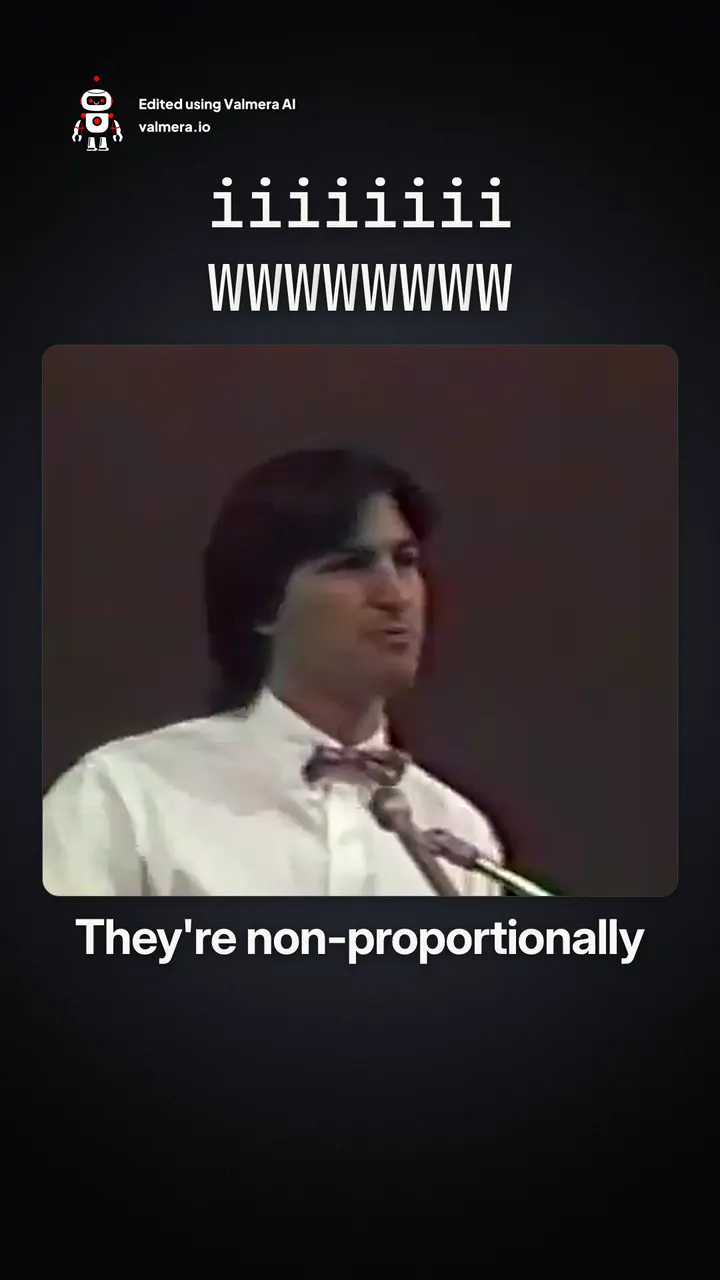
Made with Valmera: real exports
The world’s best AI video editor.
Give your best webinar moments another audience.
Bring your footage and your brief. Edit through conversation, review the result, and refine the details in Valmera. Check current plans and allowances on the pricing page.
Try Valmera →Join thousands of users.
See pricing →