Turn Horizontal Video into Vertical Video Without Losing the Subject
To turn horizontal video into vertical video, decide what the viewer must see before choosing the crop. A close-up can fill a vertical frame; a two-person interview or wide demonstration may need a wider view inside it. Describe the priority subject to Valmera, then review the framing through the whole shot.
By Valmera · Practical guidance from the team building the AI video editor.
Before you edit
Choose the destination and the content that must remain visible: a face, a pair of speakers, hands demonstrating a product, or text on a screen. Aspect ratio describes shape, not composition. A technically correct vertical export can still hide the reason someone is watching.
Start from your original footage when possible. Repeatedly cropping and exporting an already cropped clip reduces your options. Keep a version with the full horizontal frame so you can return to it when the subject moves or the scene changes.
How to make a vertical version
1. Mark the visual priority in each scene
Watch the recording and identify what carries the information. In a talking-head shot, that is usually the speaker. In a cooking demonstration, it may be the hands and work surface. In a software tutorial, it is the interface. Do not assume one framing choice suits all three.
2. Choose crop, fit, or a deliberate layout
Crop when the essential content fits comfortably. Fit the full image inside a vertical canvas when both sides matter, using a background treatment that does not compete with it. For a changing scene, ask for a shot-by-shot approach rather than forcing one crop across the recording.
3. Place text after the framing is settled
Captions that worked in landscape may cover a face or hands in portrait. Position text around the essential action, keep lines short, and leave breathing room near the edges. Preview in the destination app because its controls can cover part of the frame.
4. Check motion, not just a thumbnail
Scrub through each shot and watch it at normal speed. Check the moment a person leans, a product enters the frame, or a second speaker responds. If the crop loses the action, ask for a wider view of that section instead of approving the first frame alone.
Worked example: an interview with a product demonstration
Suppose the first half is a close-up of a founder and the second half shows a product being assembled on a table.
- Use a tighter portrait composition for the introduction, with space around the founder's face.
- Switch to a wider view for the assembly so both hands and the entire product stay visible.
- Move captions away from the table during the demonstration.
- End with a frame that leaves room for a short invitation without obscuring the finished product.
One source can produce several deliberate compositions. The strongest vertical version preserves the story even when that means keeping some horizontal footage inside the portrait frame.
Prompts to try in Valmera
Upload your footage in Valmera Studio, adapt the brief to your recording, and review the preview before asking for the next pass. These are example instructions, not reports of an edit already performed.
Create the portrait version
Make a 9:16 version for a phone audience. Keep the speaker comfortably framed during the introduction. During the product demonstration, preserve both hands and the full product; use a wider fitted view if a tight crop would hide them. Place captions away from the action.
Fix a framing miss
At [phrase or source time], the important object leaves the vertical frame. Widen or reposition that section so the viewer can follow the demonstration. Keep the approved framing in the other sections.
Review before exporting
- Faces, hands, and essential objects remain visible throughout motion.
- Captions and titles do not cover the demonstration.
- Important screen text is readable on a phone.
- The destination app's controls do not hide the main message.
- The opening frame communicates what the video is about.
Common questions
Can every landscape video fill a vertical screen?
It can be cropped to that shape, but the crop may discard essential information. When a scene depends on a wide view, fitting the full image inside the vertical frame can be the better editorial choice.
Should I crop before or after shortening the video?
Set the story and selected moments first. Then refine framing for the shots you will actually use. This avoids spending time perfecting sections that disappear from the final cut.
How do I keep two interview speakers visible?
Describe that requirement explicitly. Consider a wider fitted view or an appropriate layout rather than automatically centering one speaker. Review the exchange as both people react.

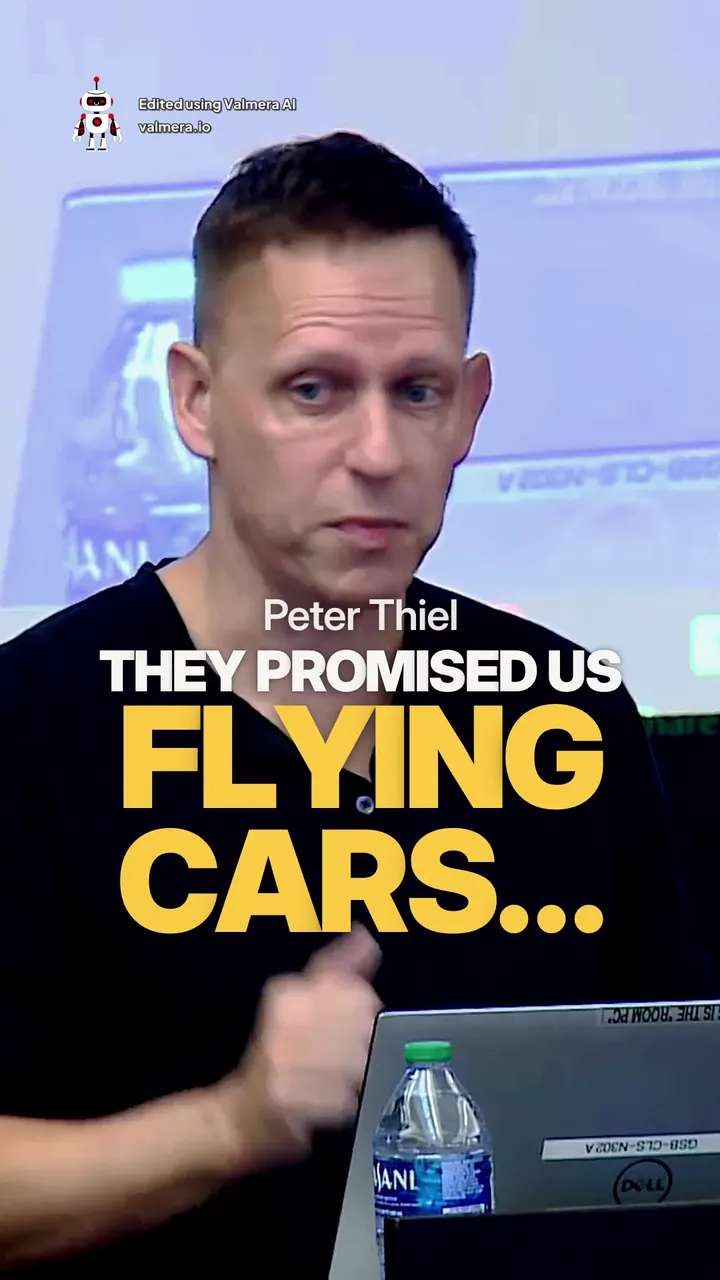
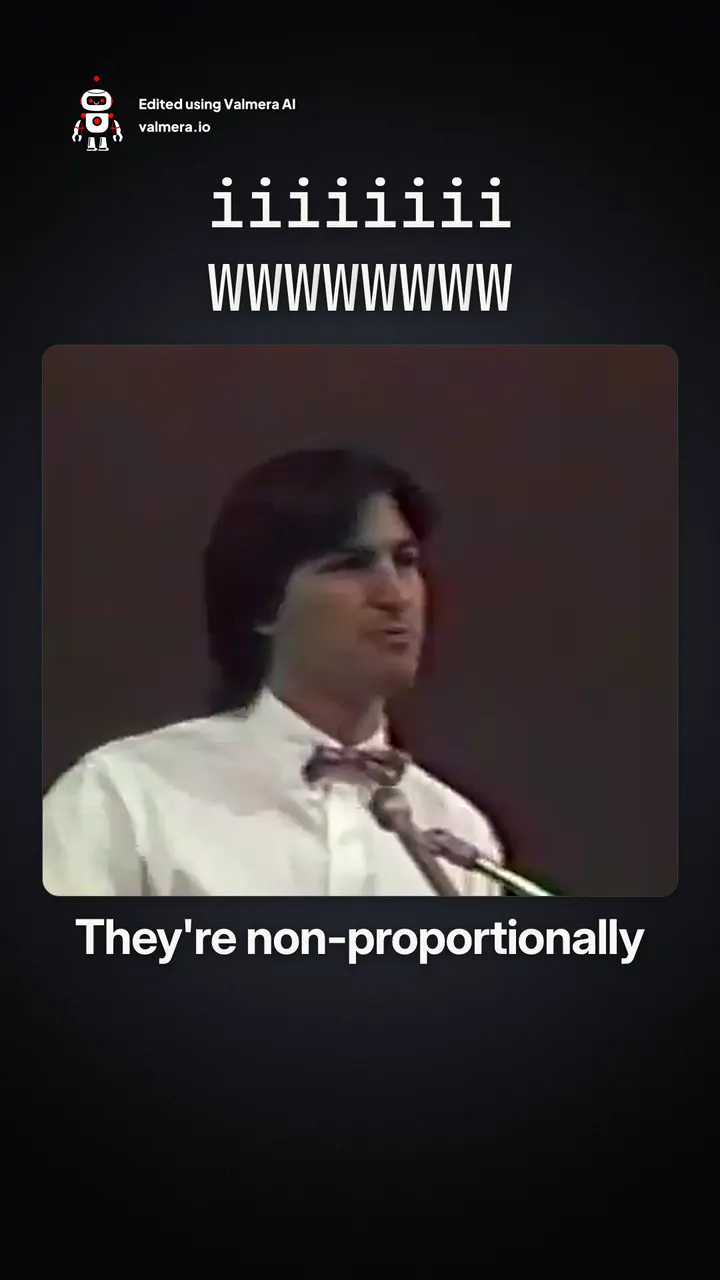
Made with Valmera: real exports
The world’s best AI video editor.
Make your footage work on a phone.
Bring your footage and your brief. Edit through conversation, review the result, and refine the details in Valmera. Check current plans and allowances on the pricing page.
Try Valmera →Join thousands of users.
See pricing →