Edit a UGC Product Video into an Ad with a Clear Story
A strong UGC product edit connects a recognizable problem to a visible demonstration and a clear invitation. Choose the most relevant take, show the product doing something useful, and make each shot earn its place. Use Valmera to shape your footage around that story and refine the result.
By Valmera · Practical guidance from the team building the AI video editor.
Before you edit
Choose one audience and one promise for the edit. A first-time buyer needs different context from someone who already knows the product. Gather the original creator recording, product close-ups, and any brand wording that must remain exact.
Separate what the creator experienced from what the brand hopes viewers will do. Preserve the meaning of testimonials, keep relevant qualifications, and use footage and music you have permission to publish. A punchier edit should still represent what was actually said and shown.
A practical UGC editing sequence
1. Choose a hook the video can deliver on
Open with a relevant problem, surprising demonstration, or specific observation. The next shots should answer that opening. A dramatic hook disconnected from the product may attract attention without helping someone understand why they should care.
2. Make the demonstration carry the claim
Show the product being used while the creator explains its value. Match the visual to the sentence: a claim about setup should show setup, while a point about size should show a useful size reference. Remove attractive shots that distract from the promised outcome.
3. Tighten the delivery, protect the creator's voice
Remove repeated takes and unnecessary waiting while retaining the delivery that makes the recording feel personal. Use captions to clarify important words. Leave enough time for viewers to see a physical action or understand a result instead of cutting every shot to the same length.
4. Finish with one clear next step
Choose the invitation that fits the campaign: try the product, see an example, or learn how it works. Keep essential offer wording readable and current. If you make variants, change one meaningful element at a time so the resulting comparison teaches you something.
Worked example: a creator demonstrating a kitchen tool
Imagine a creator recorded a problem statement, an unboxing, several uses, and a final reaction. This plan illustrates an edit structure, not a claim about advertising performance.
- Open with the specific kitchen task the product addresses.
- Move quickly into the clearest demonstration instead of using the entire unboxing.
- Keep the creator's relevant observation alongside the matching action.
- End with a concise invitation and the product name, leaving room for the viewer to read them.
A second version could open with the demonstration instead of the problem. Keep the rest of the sequence similar if the purpose is to learn which opening communicates better.
Prompts to try in Valmera
Upload your footage in Valmera Studio, adapt the brief to your recording, and review the preview before asking for the next pass. These are example instructions, not reports of an edit already performed.
Build the product story
Edit this creator footage into a product video for [audience]. Open with [problem or demonstration], show the product in use, preserve the creator's actual experience and qualifications, and finish with [call to action]. Remove repeated takes and add readable captions.
Create a focused variation
Create another version with the product demonstration at the start. Keep the same core explanation, qualifications, and closing invitation so the main difference is the opening. Do not add claims or endorsements that are not in the footage.
Review before exporting
- The opening promise is answered by the actual video.
- Product footage matches the spoken claim.
- The creator's words retain their meaning.
- Captions and brand names are accurate.
- The offer and destination match the final invitation.
Common questions
Does a UGC ad need fast cuts throughout?
No. Use faster cuts to remove repetition, then give demonstrations enough time to be understood. Consistently rapid cutting can hide the product's value.
How many hooks should I test?
Start with a small number of meaningfully different openings. Compare results in the context of your actual audience and campaign. Producing many versions without a clear hypothesis makes it harder to learn.
Should the whole video look like a polished commercial?
That depends on the creative brief. Preserve the creator's voice and the clarity of the demonstration. Add polish where it improves comprehension rather than changing the recording into an unrelated style.
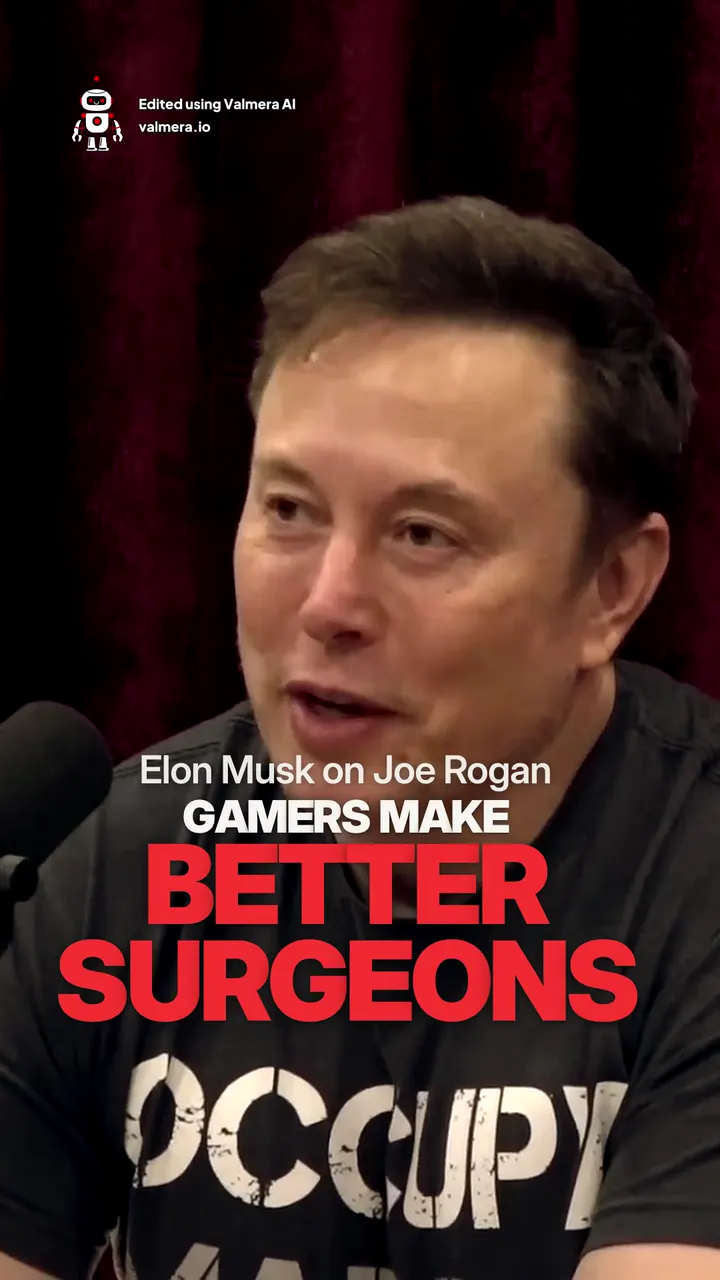
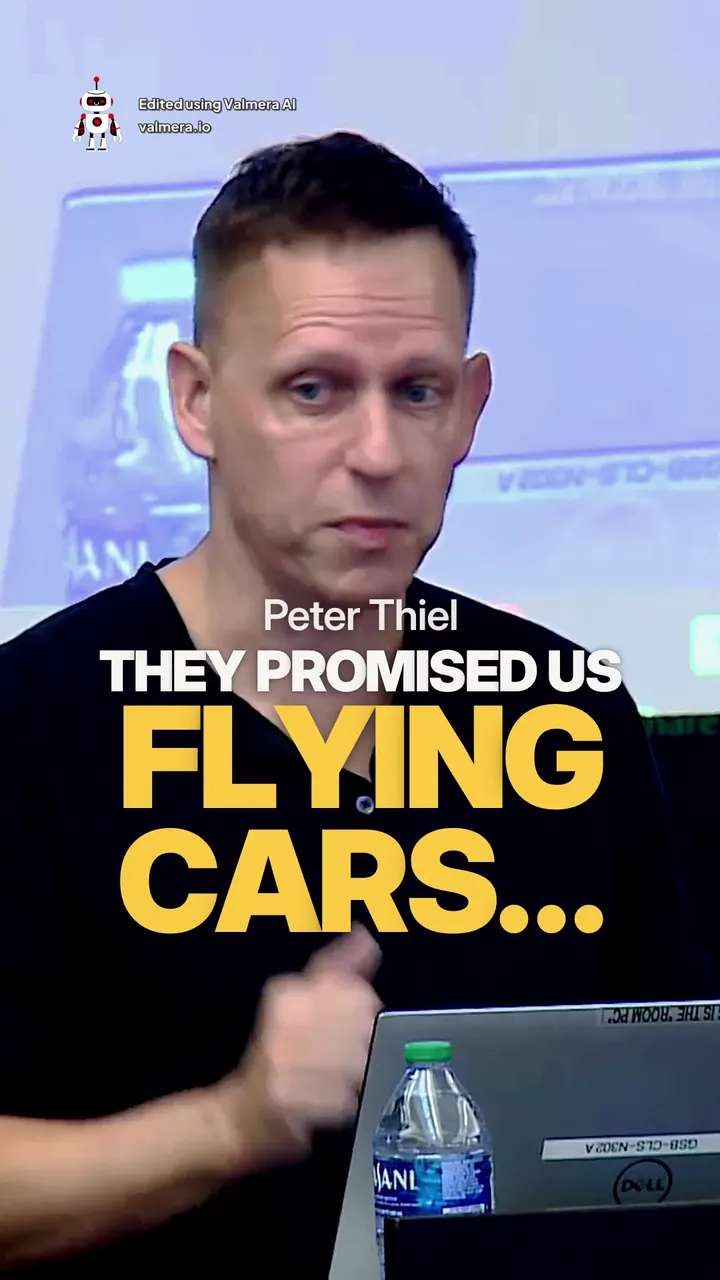
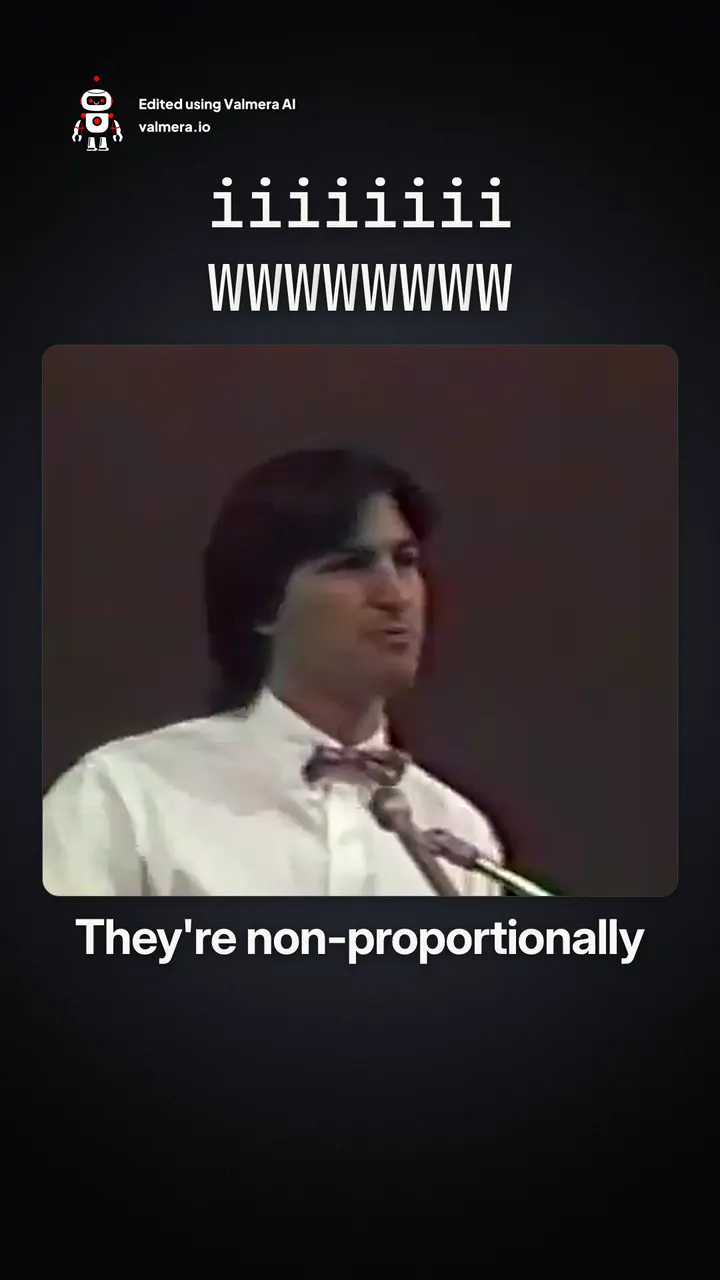
Made with Valmera: real exports
The world’s best AI video editor.
Turn creator footage into a product story.
Bring your footage and your brief. Edit through conversation, review the result, and refine the details in Valmera. Check current plans and allowances on the pricing page.
Try Valmera →Join thousands of users.
See pricing →