Convert SRT or VTT subtitles to plain text
Turn a subtitle file into a readable transcript for an interview, webinar, tutorial or editing brief. Remove timestamps, keep speaker labels, and copy the text or download a TXT file. Free, with no account required.
UTF-8 SRT or WebVTT · up to 5 MB · conversion happens in your browser
Speaker labels are kept when present. Repeated captions stay in the transcript; review rolling captions before using the text as an editing brief.
From subtitles to an editing plan
- Open your SRT or VTT file, or paste the full subtitle text.
- Choose one paragraph for reading, or separate subtitle paragraphs for reviewing individual lines.
- Keep start timestamps if you want to refer to specific moments in the original recording.
- Copy or download the transcript. Mark the hook, the essential explanation, and the ending before you edit.
The converter keeps the words from your subtitle file. It does not summarize, rewrite, or remove repeated speech. Common caption styling is removed; speaker names in WebVTT voice tags are kept as labels.
Need a different subtitle format instead? Use the SRT ↔ VTT converter. For details about WebVTT cues and voice annotations, see the W3C WebVTT specification.
Turn your transcript into a video editing brief
Use this transcript as a reference for the uploaded recording. Open with the strongest self-contained moment, keep the complete explanation, and finish with the result. Preserve the speaker's meaning. Add readable captions, then show me a preview so I can review the cuts.
Start with your recording, adapt the brief, and review the preview. Read the prompt-writing guide
Frequently Asked Questions
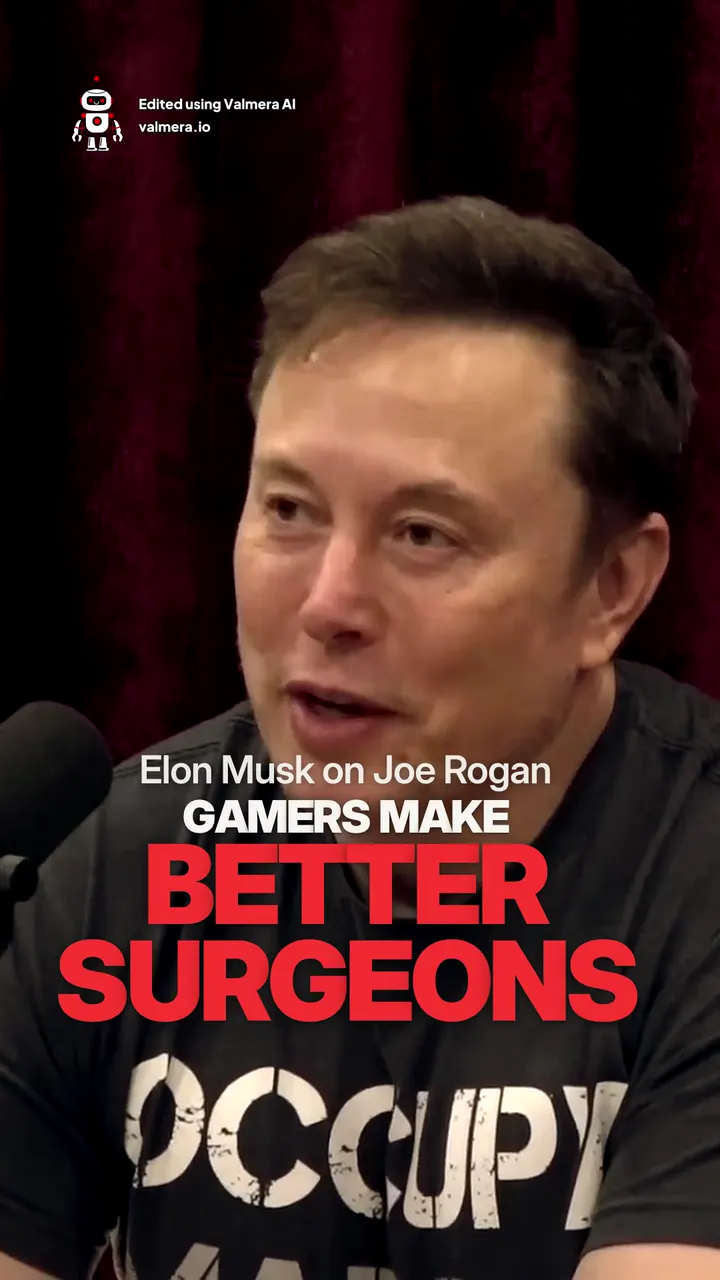
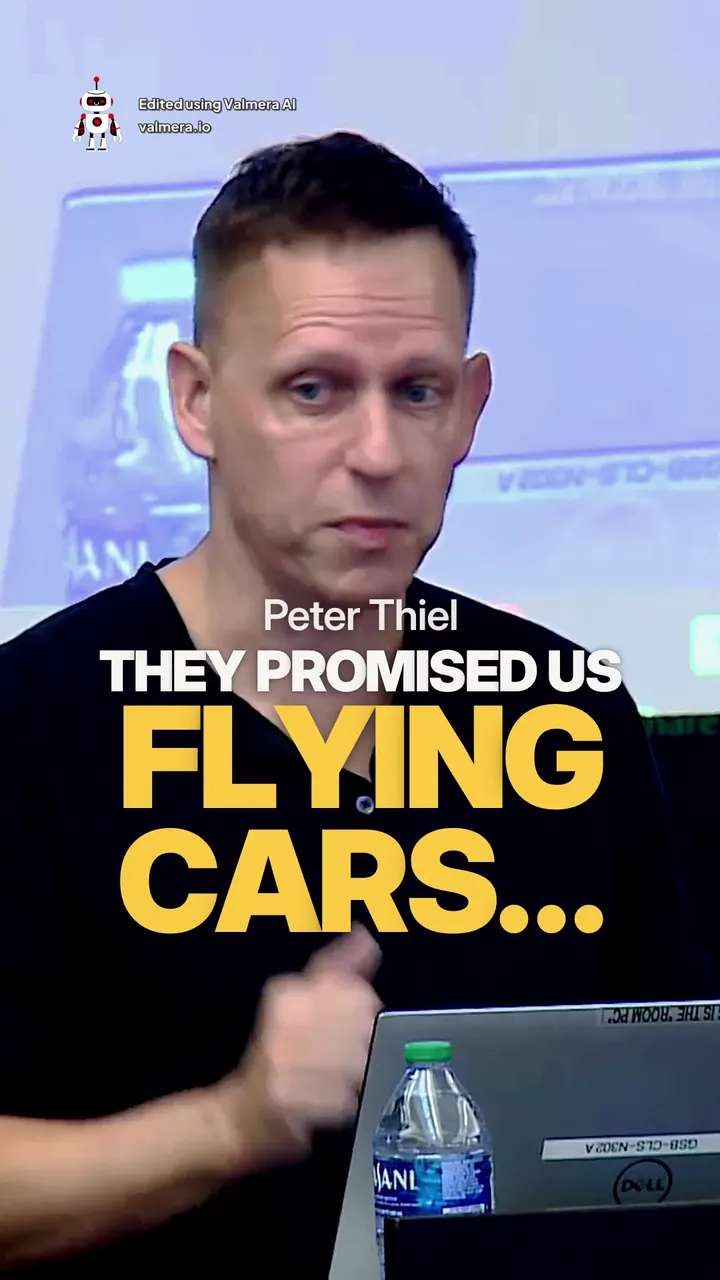
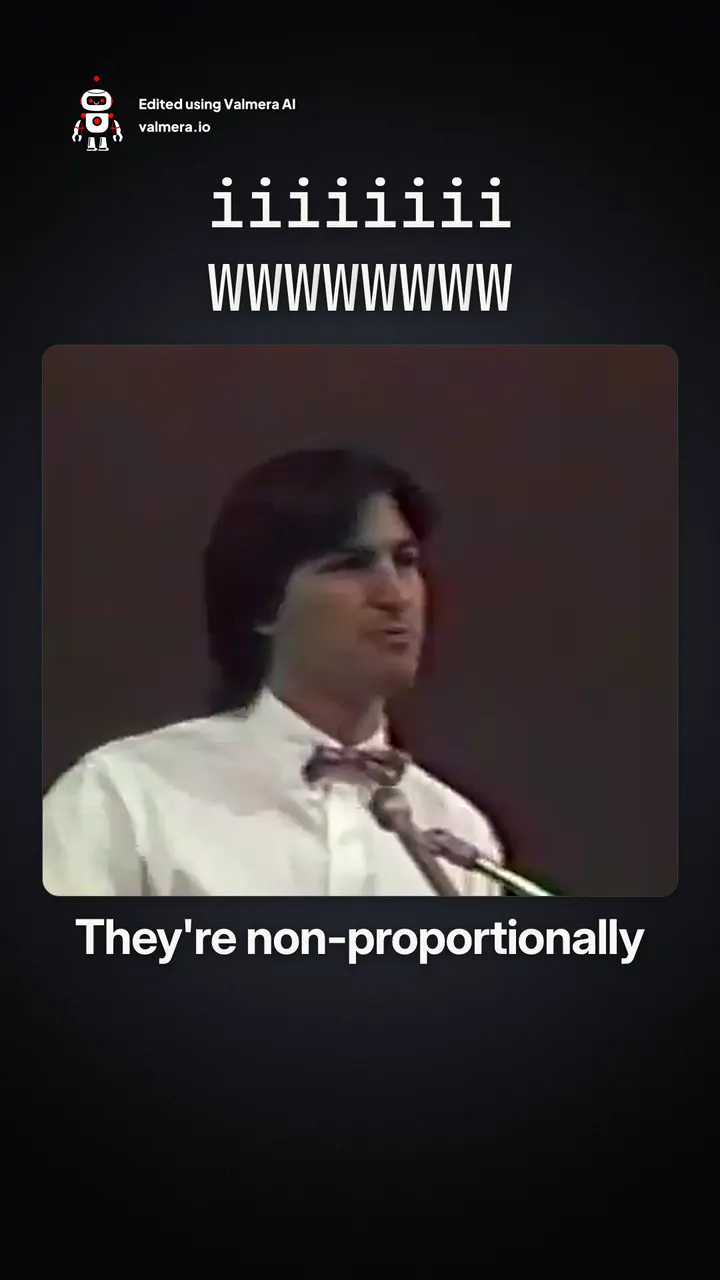
Made with Valmera: real exports
The world’s most advanced AI video editor.
Ready to Edit Smarter?
Describe the edit in plain English. The AI agent cuts, captions, and polishes your video for you. No editing skills required.
Start editing →Join thousands of creators.
See pricing →