Make a product launch demo video
Open on a real result, then show the shortest complete path to get it. Save an approved MP4, a playable video link for your launch listing, and a gallery image that explains the result without sound. Test the player the visitor will actually see.
Script a single buying decision
- Fill in one sentence for the team. “After seeing this, [buyer] should understand how [task] produces [visible result].” Use a demo project and representative data.
- Record from a recognizable starting state through the confirmation. Pause briefly on the control label and the result. If the viewer needs context, speak over those two moments so you can cut the setup.
- Make two versions of the opening from the same recording. Compare which one a first-time viewer can explain sooner. Keep the complete action and enough of the confirmation to read it.
Compare an original walkthrough with a result-first opening
In the October Valmera export, the pointer opens the MCP page at about 11.9 seconds. The short recut opens on that page, returns to the previous screen, then shows the click at about 2.4 seconds and the destination again at 4.0 seconds. Watch both muted. Can you explain where the click leads without reading the surrounding text?
Download the result-first MP4 · Read the cut times and file hashes
This sample demonstrates one navigation step. For your launch, show the outcome your buyer is paying for, such as playable subtitles on the exported file or a completed report with the expected values. Ask a teammate unfamiliar with the product to name the outcome and the key control after one muted watch.
Make the gallery work on its own
Put the result in the first image. Use a second image for the control that produces it. These 1270 × 760 JPEGs were cropped from real frames in the walkthrough. Open them at phone size and check that the heading and button are still readable.
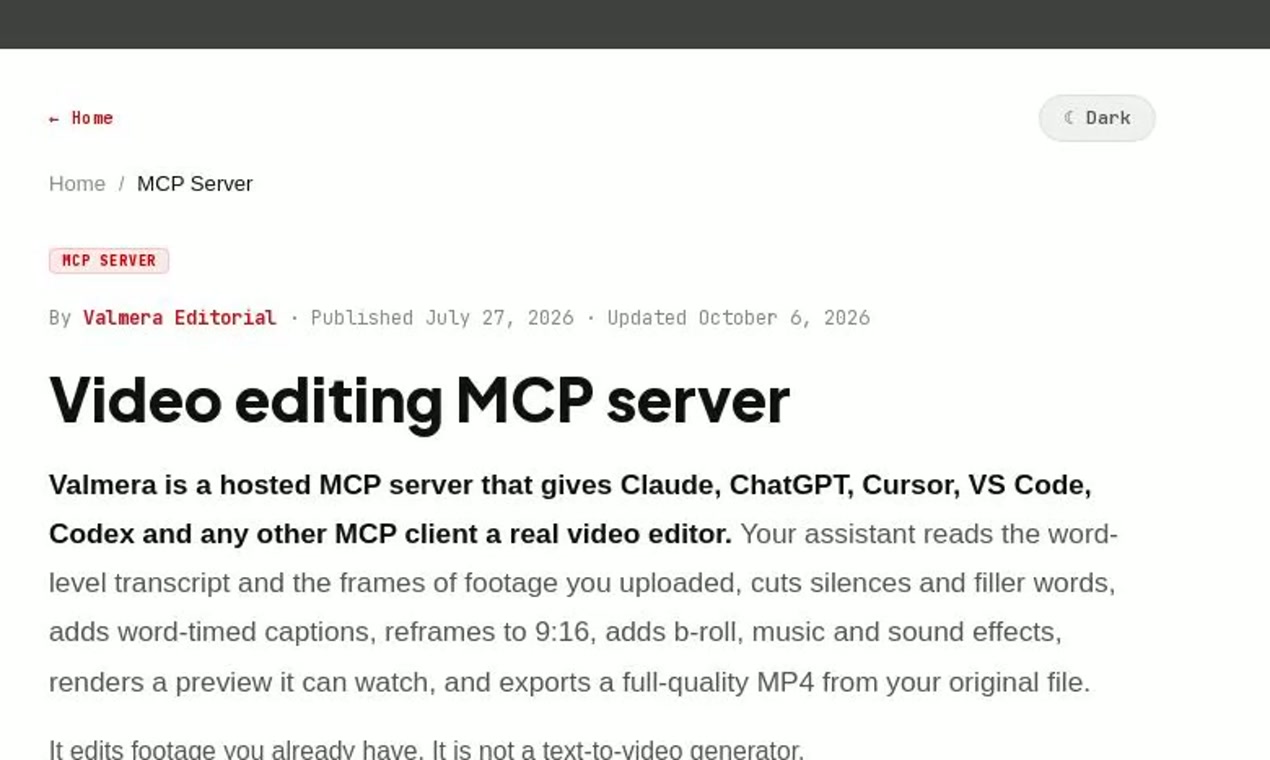
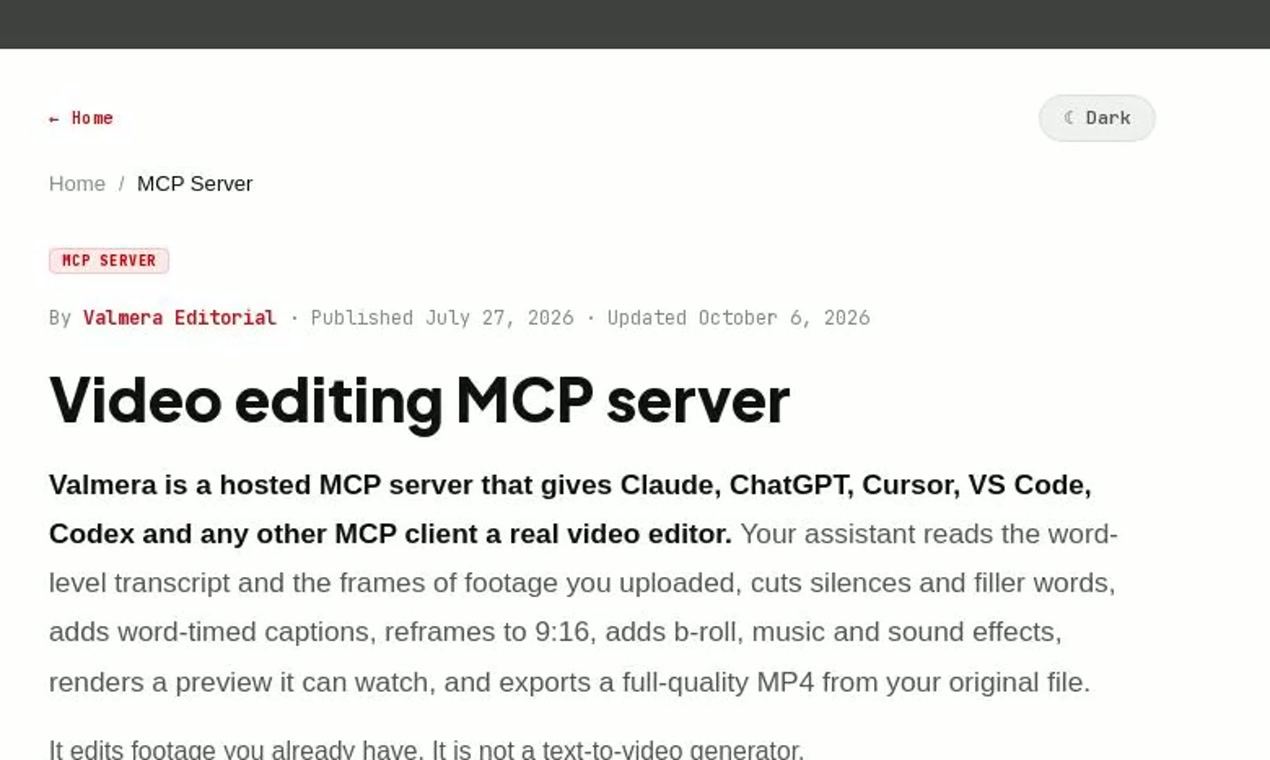
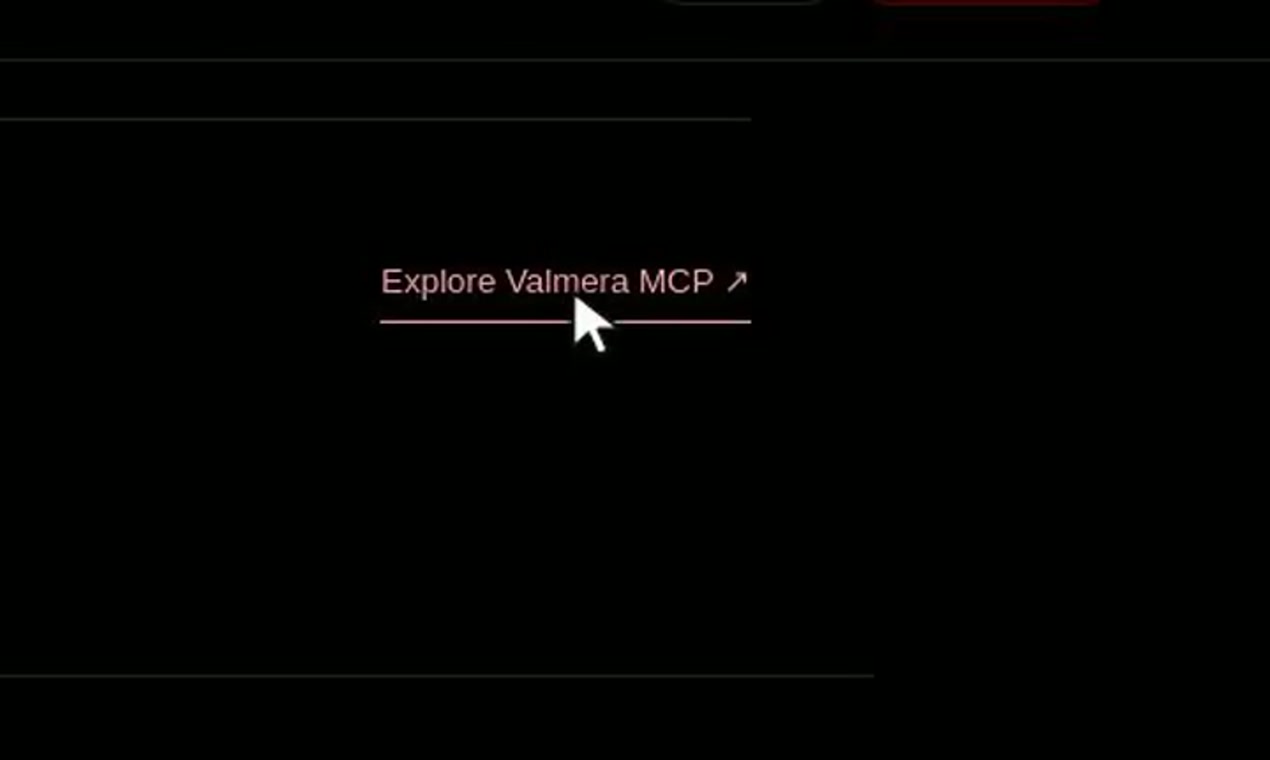
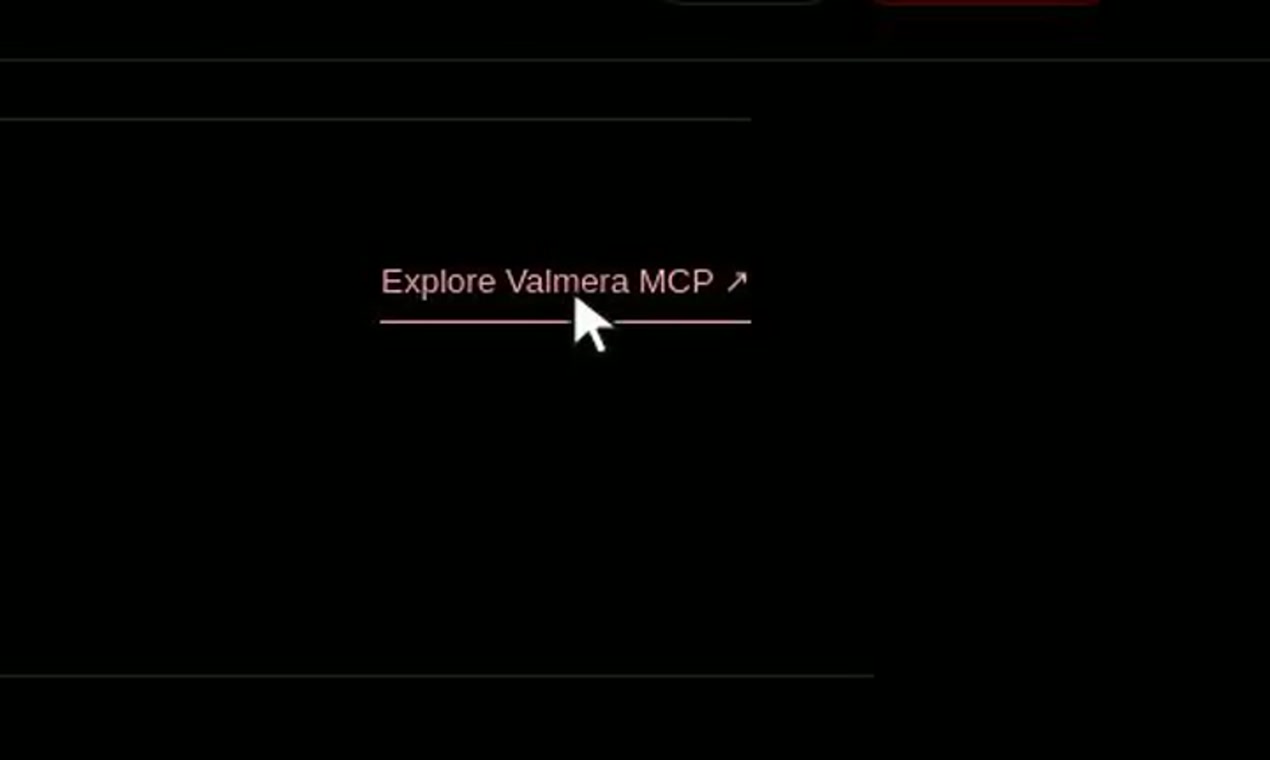
Product Hunt recommends 1270 × 760 for gallery images and accepts video by link in launch media. The video is optional. Check the current gallery instructions if you also plan to include an interactive demo. Product Hunt launch media guide.
Verify the three things your team will publish
| Destination | What to deliver | Check before publishing |
|---|---|---|
| Product Hunt or another launch listing | A hosted link the form accepts and a first gallery image that shows the result. | Play the link signed out, then check playback in the launch preview. If YouTube works on its own and the launch player fails, check embedding settings and allow time for processing. Product Hunt link troubleshooting. |
| Product or campaign page | The approved landscape MP4, a poster and captions for spoken instructions. | Play the actual page on a phone. The result and the key action should survive the video layout. Check the first spoken line, the click and the final frame in the published player. |
| Social clip | A separately framed short cut and a destination-specific caption or link. | Watch the portrait version without sound. Keep both the control and the result inside the crop and check where the app places its buttons and caption. |
Download the launch handoff sheet. It includes the two verified samples and blank rows for the published link, version, approver and playback check. Keep the approved local file until each destination plays the correct cut.
Start a launch edit from your recording
Turn the uploaded screen recording into a short launch demo for [audience]. Open on the real result that proves [task] worked, then show the control and the click that produced it. Keep the interface label legible at phone size. Remove setup waits and repeat takes, preserve the original narration if it explains a step, and flag any caption that blocks a control. Render a preview and tell me when the first result, click and confirmation appear.
Bring your approved capture and specify the main buyer outcome before saving the brief. Read the first-edit guide
Send a batch of launch videos to an editing team
For several launches or markets, send one safe screen recording, the publishing destinations, how many distinct cuts you need each month, and the deadline for the first approval. Valmera Enterprise can scope the recurring edits and the files your team publishes.
Discuss recurring launch edits